There are no items in your cart
Add More
Add More
| Item Details | Price | ||
|---|---|---|---|

Learn it in depth from the experts
Limited period steal deal offer
Enroll Now
Why Learn Excel?
Starting from managing small data with just a few fields to huge data with numerous fields involving complex calculations, Excel serves as a one-stop solution. Whether you are a student, working professional or an entrepreneur, becoming proficient in Excel will elevate you one level up.
Learntree's Zero to Master Excel Program
Learntree School for Skill Excellence, indulged in imparting technology training for learners of all ages for the last 3+ years, is happy to announce "Zero to Master in Excel" - an online training program covering basic to advanced features of Excel with 100% practical with a "Steal Deal" Price.
Medium of Instruction: Malayalam
Duration: 9 Days (Approx 1 Hr 30 Min a day)
Learn from anywhere anytime at your convenience. Our Adaptive Streaming feature ensures the best quality delivered across different network speeds and device used.
50+ Pre-recorded HD Quality video resources with step by step explanations in Malayalam. Play & replay it as many time as you want so that you could Learn it @ your own pace
Extra bonus contents with live case studies. Special Surprise bonus at the end of the session.
Two online LIVE doubt clearance sessions where you can interact with the trainer and clear all your doubts
Practical assignments are given at the end of each module to put your learning into practice making you thorough with the feature
Dedicated support team at the reach of a call / message for helping you in any technical difficulties
Apart from in-depth explanatory videos, you will also be provided with comprehensive notes with each feature explained step by step in a simple manner easy to understand.
Digital Certificates will be provided to all learners upon successful completion of the course
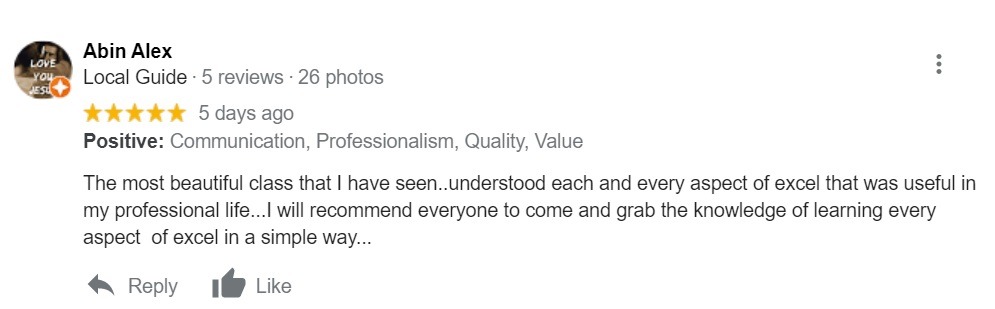
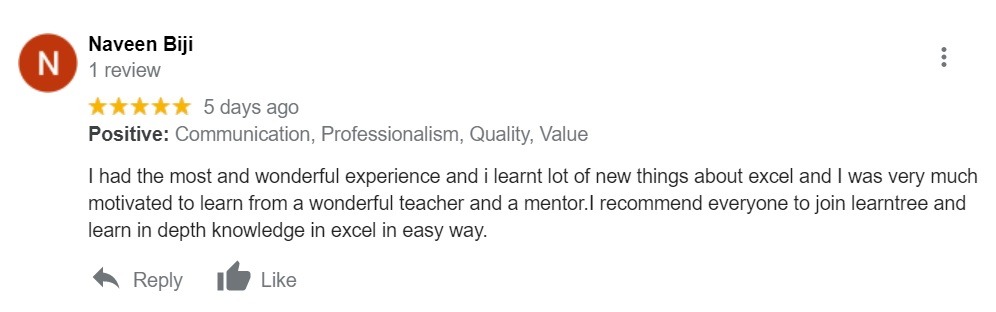
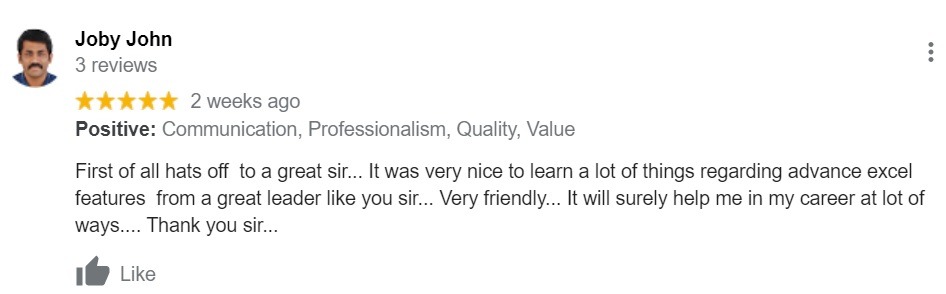
I Don't want to miss this....
Proficiency in Excel is one of the most demanded skills across industries. Learn Excel to multiply your chance, double-fold, to get placed.
Whether you are an Entry-level / Senior level professional in Marketing, Sales, Finance, Accounts, PR, Customer Service or HR, Excel's whooping features will help you to shoot up your productivity. Learn it from us & we will tell you how to impress your boss with captivating reports.
Most of the important business decisions are data-driven. Excel helps you not only to organize your data effectively but to analyze it efficiently to derive meaningful information so that you could make the right decisions at the right time. Enrol yourself on our well detailed, content-rich, Excel Mastery program & elevate your business to the next level
Don't Worry. As a special limited period offer, You will have access to the course for 45 days in the portal. You will have an option to upgrade the course to Lifetime validity by paying a nominal additional fee upon which, the content including videos and notes will be added to Google Drive and you will be given access to it.
Please Note: Since these are our intellectual properties, there will not be any download options. You can only view the contents.
You can post your doubts in the specified section and our team will answer your query. We will also be hosting two live doubt clearance sessions where you can shoot your doubts directly to the trainer.
We strongly recommend each learners to attend live doubt clearance sessions, regardless of whether you have got a doubt or not, as we will be giving extra bonus contents which is not included as a part of the curriculum.
Of course! Upon successful completion of the program, you will be awarded an e-Certificate issued by Learntree.
Watching Videos, Completing Quiz & Completing your practical assignments all put together should not take more than an hour and a half. However, this completely depends upon your own pace of learning.
Our learning portal is equipped with "Adaptive Streaming" technology which intelligently resizes the videos in-line with the quality of the network so that it renders seamlessly even if the coverage is less. Having said this, please also keep in mind that there are several other factors that affect video streaming, many of which are not in our control.
Nothing, other than basic operational knowledge in computers.
All the features in this program are aligned to Microsoft Excel 2016. Therefore, we prefer you to have Excel 2016 or Excel 2013 installed on your computer for trying the learned concepts practically. If you are using Excel 2013, you will still be able to learn almost all the features covered in this program, with some minor changes in the steps followed.
Very easy. Click on the "Ready to Enrol For Rs.549/-" button. Submit your details. Make payment using any of the online payment methodologies according to your preference. Done !! You will be able to access the course within 4 hours. You will be notified via a Whatsapp Message. If you face any issues, you may contact our support desk @ 8592092622
 Launch your Graphy